
Guide
How to make a TikTok slideshow, step by step.
A TikTok slideshow (or photo carousel) is a post made of images people swipe through. Here is the whole process, from the idea to the post, and what makes the difference between a slideshow people finish and one they skip.
Create my first slideshow

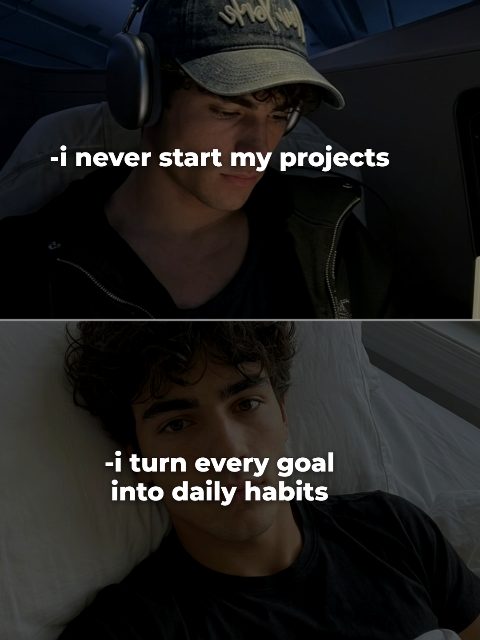

1. Pick a format before you write
Most slideshows that do well follow a format people already know: a top 5 countdown, mistakes to avoid, habits, a step-by-step method, a before / after, a list of apps or tools. The format tells you how many slides you need and what goes on each one.
2. Write the hook (slide one)
The first slide decides whether anyone sees the second. Say the topic right away and give a specific reason to swipe, in 4 to 10 words: “5 habits that ruined my mornings” beats “morning routine tips”.
3. One idea per slide
Each slide says one thing, in one or two short lines. If a slide needs a paragraph, split it or cut it. Keep the strongest point for the end of the list so people have a reason to keep swiping.
4. Images and text that read on a phone
- Use 9:16 images (1080 × 1920) so nothing is cropped.
- Large text, with a dark band or a shadow behind it when the photo is busy.
- Keep text away from the bottom and the right edge, where TikTok shows the caption and the buttons.
- Use photos you are allowed to use: your own, your product, or royalty-free banks.
5. Post it
In the TikTok app, tap +, choose Photos, select your slides in order, add a sound, then write a short caption with 3 to 5 hashtags. If you promote a product, give it one slide in the second half, never the first.
Doing it every day without spending an hour
The steps above take 30 to 45 minutes per slideshow by hand. SlideShift does them for you: it reads your website, writes the hook and the slides, finds images, lays them out and sends the slideshow to your TikTok drafts every morning. You add a sound and post.
Questions
How many photos can a TikTok slideshow have?
TikTok accepts dozens of photos, but most good slideshows use 5 to 10: as many as the hook promises.
Should I add music to a TikTok slideshow?
Yes. Add a sound in the TikTok app before posting, ideally a trending one that fits the mood.
Can I make a TikTok slideshow on a computer?
You can make the slides anywhere, but posting a photo slideshow is easiest from the TikTok app. SlideShift sends finished slideshows to your TikTok drafts so you only post from your phone.
See what SlideShift makes for your product.
Create my first slideshowYou see your first slideshow before paying.